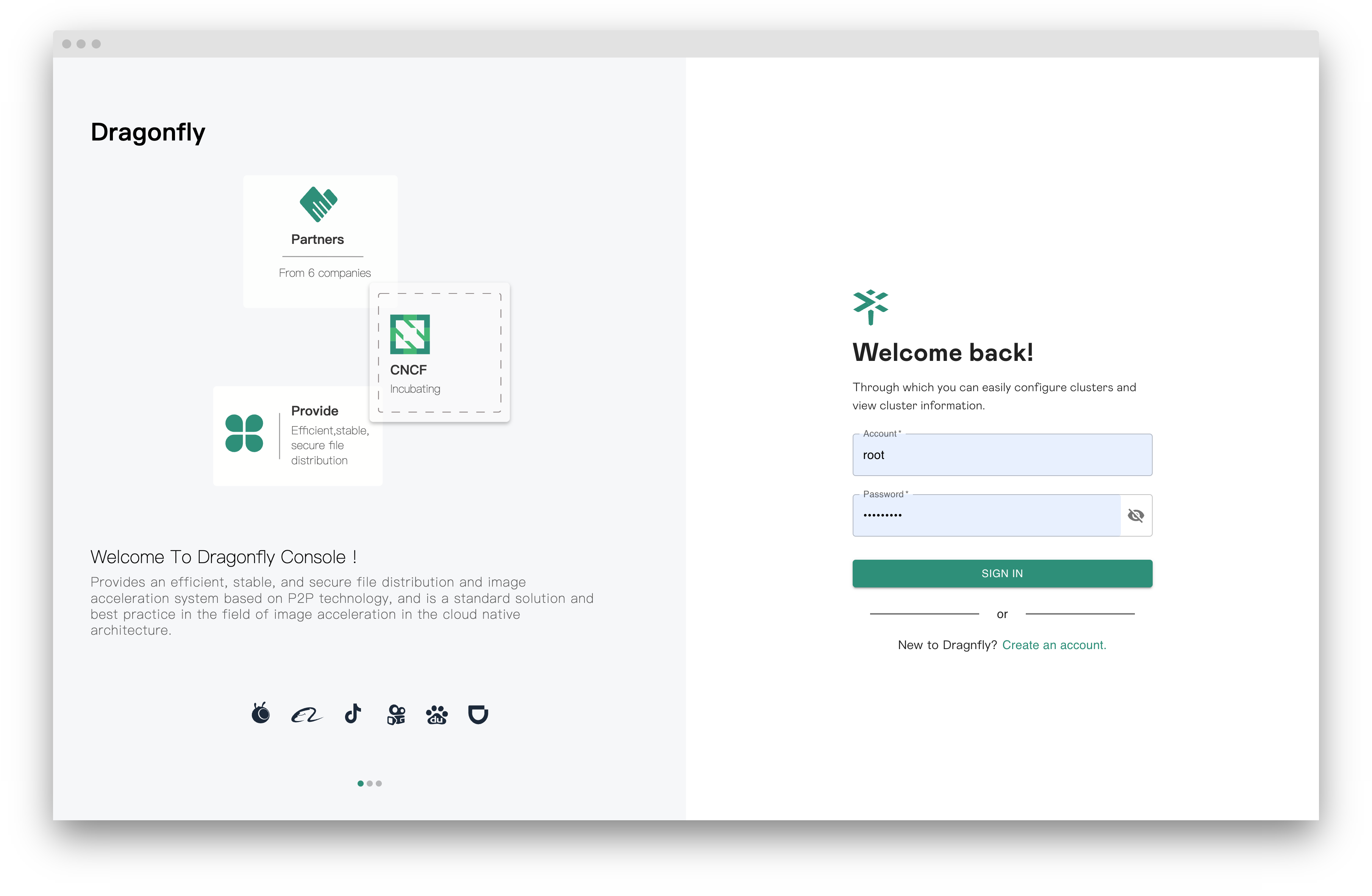
Sign in
The default username and password are root and dragonfly.
Note: It is strongly recommended that you change the default administrator password.
Customize the initial root password
Set the DRAGONFLY_INITIAL_ROOT_PASSWORD environment variable of the manager to seed the root user
with a custom password instead of the default one. The password must be between 8 and 20 characters.
If you deploy Dragonfly with Helm Charts, set it through
manager.extraEnvVars, preferably referencing a Kubernetes secret:
manager:
  extraEnvVars:
    - name: DRAGONFLY_INITIAL_ROOT_PASSWORD
      valueFrom:
        secretKeyRef:
          name: dragonfly-root-password
          key: password
Note: The environment variable only takes effect when the root user is created for the first time. After that, the password is managed in the database and can be changed from the console.